Skip to content

Put your fans
in the spotlight.

Fans scan a QR code at your stadium, take a selfie in the browser, and appear on the big screen within seconds. No app. No hardware. No crew. From $30 per month per cam.

< 30sScan to screen
15 minSetup to live
$30Per cam, monthly

Cancel anytime · Works with vMix, OBS, Tricaster · GDPR compliant

What is Go Fan Cam?

What is
Go Fan Cam?

Go Fan Cam is fan cam software for stadium big screens. Clubs, leagues, and events use it to run a branded fan cam on matchday.

Fans scan a QR code at the stadium, take a selfie, and appear on the big screen within seconds. Clubs moderate every photo before it goes live. It is a new matchday moment, a new sponsor asset, and a new way to track fan participation. One sponsor covers the cost.

How does fan cam work?

Three steps.
Under thirty seconds.

Fans scan a QR code, take a selfie, and the admin pushes it to the big screen. The whole flow takes seconds.

STEP · 01 · SCAN

Fans scan the QR

Fans scan the QR code you place at the stadium. It opens your branded fan cam on their phone. No app download, no login, no friction.

/dashboardupload-logo.svgqr.permanent
STEP · 02 · SELFIE

They agree and snap

Fans agree to your terms and take a selfie. Your branded frame wraps the photo. Sponsor logos appear in three places: phone screen, photo frame, big screen.

qr → cameraframe.live1 tap submit
STEP · 03 · SCREEN

You approve, they appear

You approve the photo in the dashboard and push it live to the big screen. Fades in, fades out. Manual push every time. No auto-feed surprises.

moderate.1tapvmix / obs / tricasteron-air
What's inside

Everything you need.
Nothing you don't.

Four pillars. Built for matchday reality: high pressure, low headcount, no tolerance for glitches in front of forty thousand people.

01 / FAN

Fan Experience

Zero friction. Full-screen camera from the browser. Custom branded frame applied in real time. One tap to join the big screen.

  • No install, no account
  • Works on every smartphone
  • Consent captured at submission
  • Post-shot CTA to your store
02 / ADMIN

Admin Control

One dashboard runs the whole stand. Queue, approve, or reject in a tap. Moderation takes one thumb. Multi-staff logins for matchday teams.

  • One-tap moderation
  • Team logins & roles
  • Per-session analytics
03 / PROD

Production Ready

One browser-source URL drops straight into vMix, OBS, or Tricaster. Two layouts: QR with photos, or QR only.

  • vMix / OBS / Tricaster
  • 4:3 · 16:9 · portrait
  • Two layouts: photos + QR or QR only
04 / SPONSOR

Sponsor Revenue

Every frame is sponsor inventory. Every logo is a clickable link on the fan's phone. Every click is tracked. Build a data-backed case for higher fees.

  • Clickable sponsor logos
  • Per-sponsor CTR reporting
  • PDF report per session
  • Hourly activity breakdown
Does Go Fan Cam work with vMix, OBS, or Tricaster?

One URL. Zero plugins.
Drop it in, go live.

Yes. Go Fan Cam outputs as a browser source URL. Drop it into vMix, OBS, or Tricaster and your fan cam appears in the production feed. No additional hardware. No plugins to install. Your production team uses their existing workflow, the same sports presentation software clubs already run.

  • Drops into vMix, OBS, Tricaster, Wirecast
  • Transparent output sits on any broadcast graphic
  • Two layouts: QR with photos, or QR only
  • Low-bandwidth safe on standard stadium Wi-Fi
/production · feed.liveON AIR
@seat_118_A122s ago · Sponsor: PUMA
ON SCREEN
@fan.jess8s ago · Sponsor: NRMA
APPROVED
@matchday_0512s ago · Sponsor: EMIRATES
APPROVED
@section_k18s ago · Sponsor: PUMA
IN QUEUE
@row_7_row_724s ago · Sponsor: NRMA
APPROVED
How does Go Fan Cam track sponsor engagement?

Hand your sponsor team real numbers, not just a photo.

Every session generates a sponsor report. Photo count, unique fans, peak activity time, approval rate, and sponsor logo click-throughs from fan phones. The phone-screen logo is clickable, so sponsors get direct traffic. Every click is logged. The stats PDF is ready to forward after the session closes.

See pricing
/analytics · session.reportLIVE PREVIEW
Total photos approved847
Unique visitors623
Sponsor A · clicks312 37% CTR
Sponsor B · clicks198 23% CTR
Peak activity window19:15–19:30 HALFTIME
Avg. submission time22s
What does Go Fan Cam do?

Four things,
every matchday.

Go Fan Cam delivers four things on matchday: a live fan cam, new fan engagement, a new sponsor asset, and sponsor tracking data.

01 · FAN CAM
gofancam.com/your-club

A live fan cam on your big screen

Every photo branded, moderated, and pushed manually by your admin. No auto-feed surprises. One permanent QR code per venue. Download the PNG and print it on signage, programs, tickets. Same code works every match, forever.

02 · FAN ENGAGEMENT
PUMANRMA

New fan engagement, zero friction

Fans join from their own phones. No app download. No login. The whole thing runs in the mobile browser. Your club logo on top, your sponsors in the frame, one shutter button. Photos appear on the big screen in front of the whole crowd.

03 · SPONSOR ASSET
● ● ●dashboard.gofancam.com
@seat_118_A12APPROVE
@fan.jessAPPROVE
@row_7_row_7APPROVE

A new sponsor surface, ready to sell

Sponsor logos appear on the fan cam frame, on the phone screen, and on the big screen. Logos on the phone are clickable, so sponsors get direct traffic from every fan who participates. One sponsor covers the $30 per month. The rest is margin.

04 · TRACKING
vMix Browser Source URLCOPY
https://live.gofancam.com/v/yourclub-main
vMixOBSTricasterWirecast

One URL, into any production rig

Give your production team one browser source URL. They paste it into vMix, OBS, or Tricaster. It renders transparent and sits on your existing graphics. No plugins. No hardware. No extra crew. Under fifteen minutes from sign-up to on-screen.

05 · REPORTING
Session Report · Matchday 04
Photos approved847
Sponsor A · CTR37%
Sponsor B · CTR23%
Peak19:15–19:30

A stats PDF after every match

Photo count, unique fans, approval rate, peak activity time, per-sponsor click-throughs. Every stat is a direct export from the session, ready to forward to a sponsor. The exact document your commercial team walks into the renewal meeting with.

06 · COMPLIANCE
GDPRCCPAAU PRIVACY

Consent captured before the camera opens.
Approved photos auto-delete at 90 days.

Compliance, handled by default

Fan consent is captured before the camera opens. Approved photos auto-delete after 90 days, rejected photos at 30 days. GDPR, CCPA, Australian Privacy Act, and COPPA compliant. Every client signs a DPA. League tier gets a custom DPA.
Who uses Go Fan Cam?

Every sport.
Every venue. Every crowd.

Football clubs, leagues, basketball and indoor sports, multi-sport events, concerts, conferences, brand activations. Anywhere there is a screen and an audience, Go Fan Cam adds a fan moment.

01Football clubs

Pre-match, half-time, full-time

Run fan cam in the windows that already drive crowd energy. Every photo branded to the club and sponsor. Works for Premier League, EFL, La Liga, Serie A, and every league down to tier five.

02Leagues

Leagues and competitions

Roll out fan cam across every club and fixture with one consolidated admin, white-label output, and unified sponsor tracking. One DPA covers every club in the competition.

03Indoor sports

Basketball and indoor sports

Tuned for the faster turnaround between plays. Same $30 per month. Ideal in time-outs and between periods with typical session length of 20 to 45 minutes.

04Multi-sport

Multi-sport events

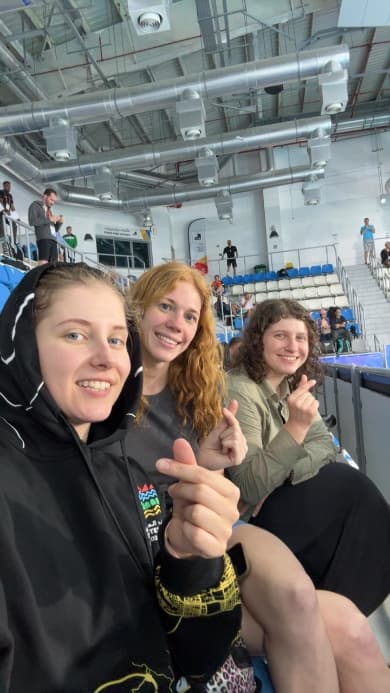
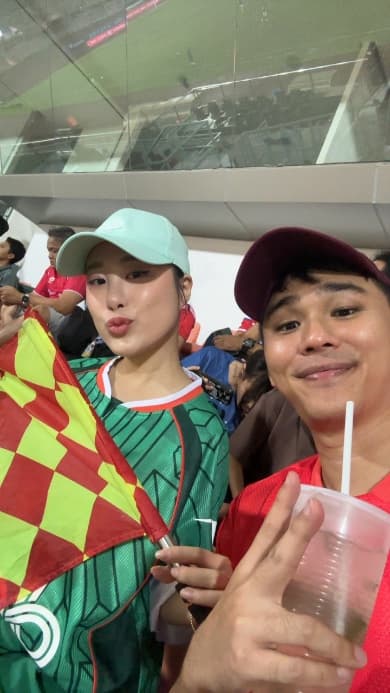
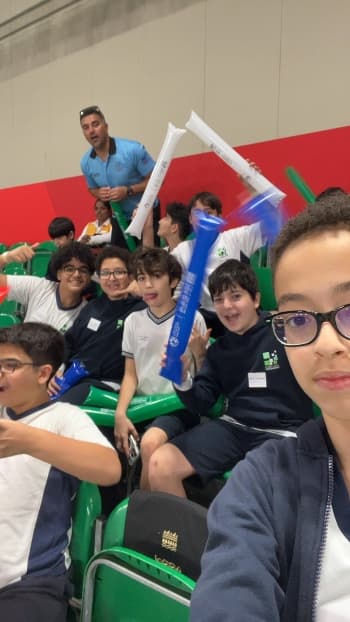
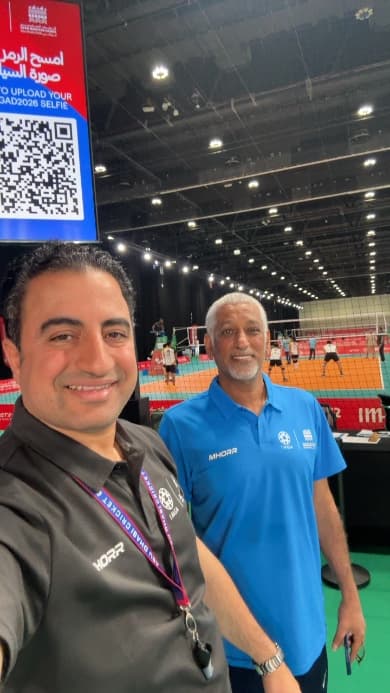
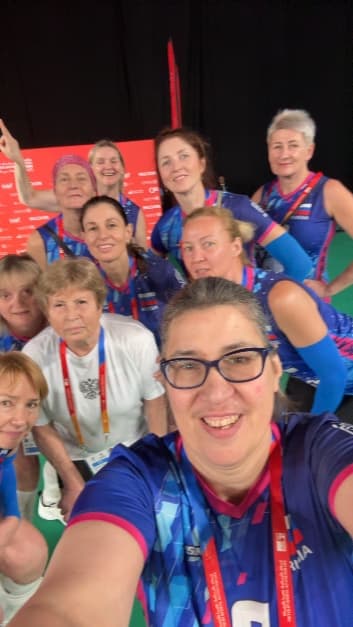
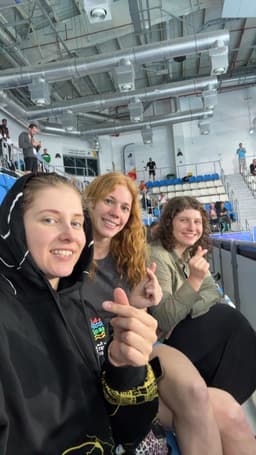
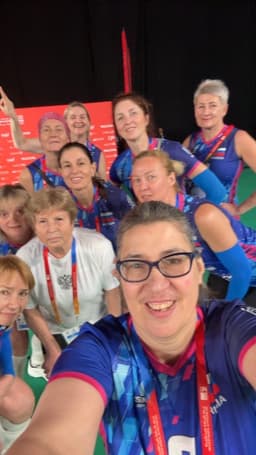
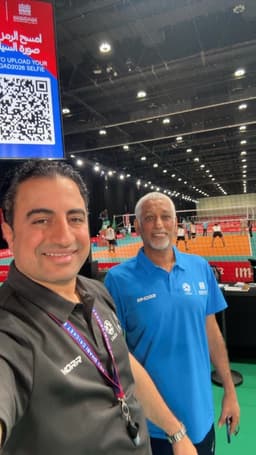
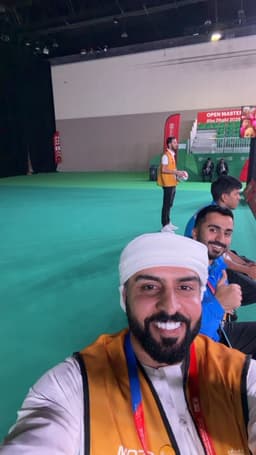
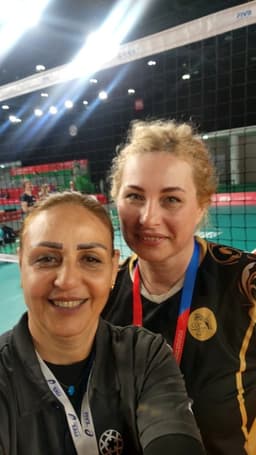
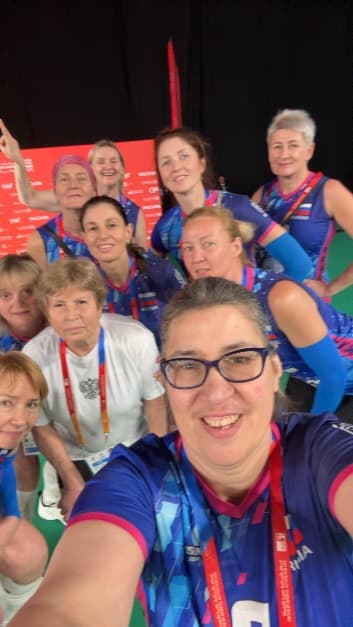
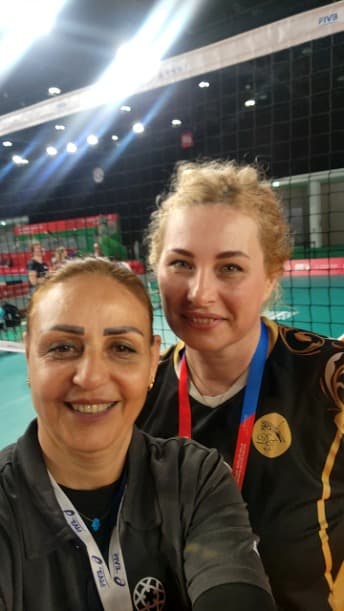
Open Masters Games Abu Dhabi ran Go Fan Cam across 11 venues with 1,040 fan photos. One branded system, every venue covered, volunteer-run admins.

05Concerts

Concerts and live music

Anywhere there is a screen, a QR code, and an audience, Go Fan Cam adds a fan moment. No sport-specific features to work around. Same flow, same tools, same pricing.

06Corporate

Conferences and activations

Trade shows, product launches, brand activations, award nights. Moderation, branding, and sponsor tracking all work the same. Run it in your run-sheet.

Case studies

Real matchdays.
Real numbers.

Go Fan Cam has delivered 2,000+ fan photos across 13 venues, two continents, and two live events since launch. Every stat on this page is a direct export from a session report.

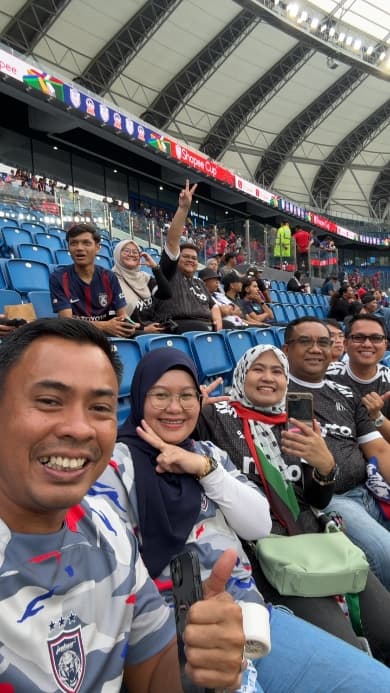
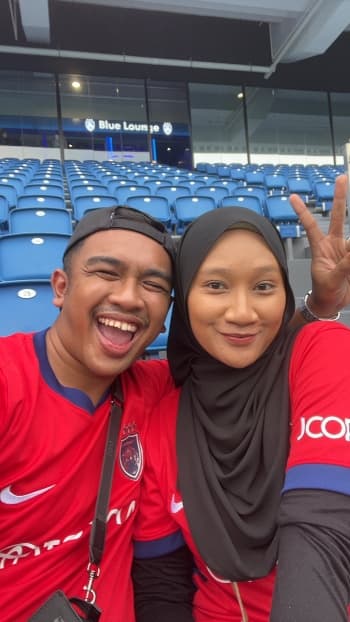
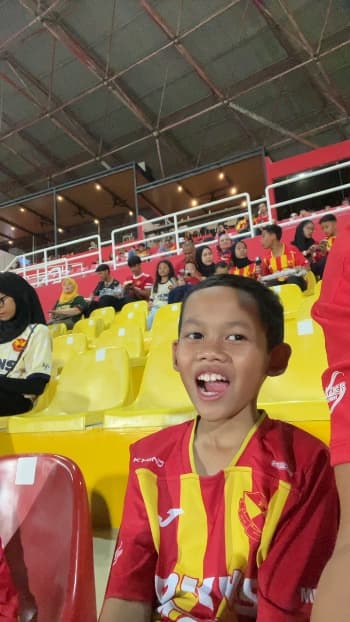
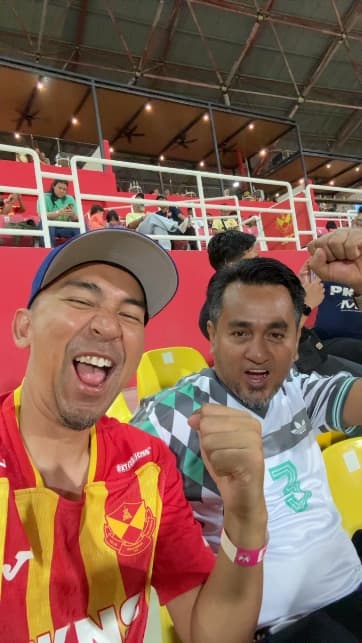
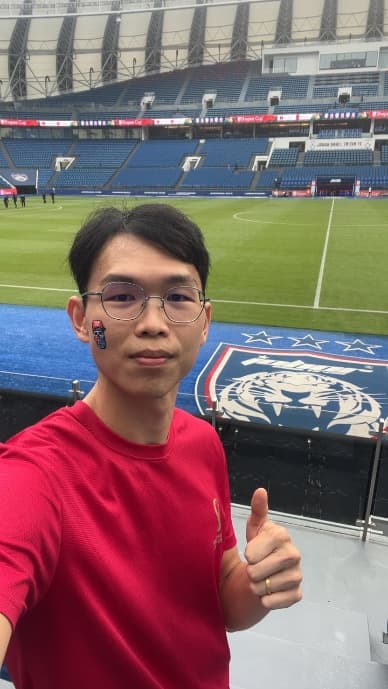
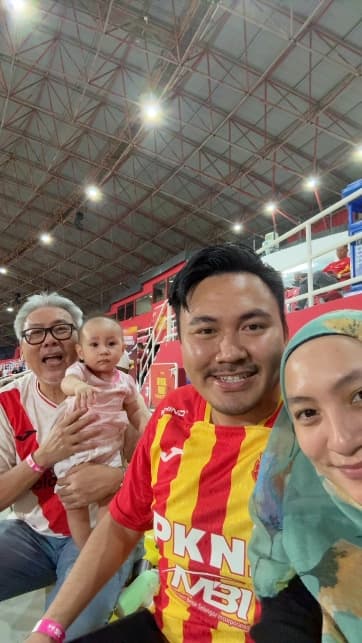
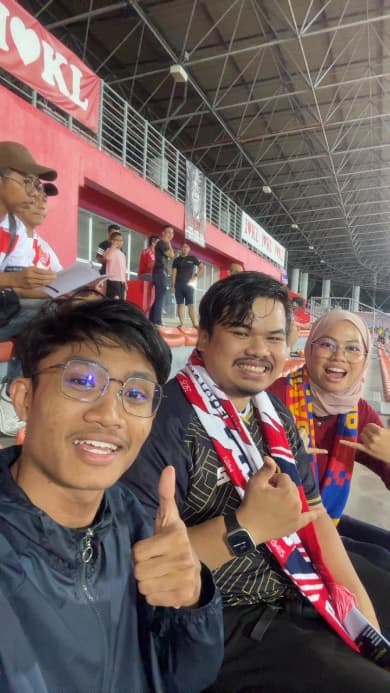
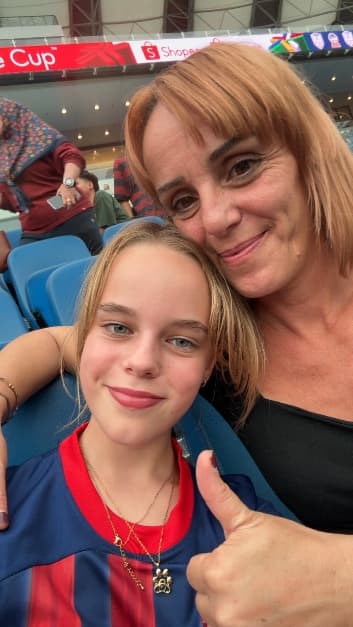
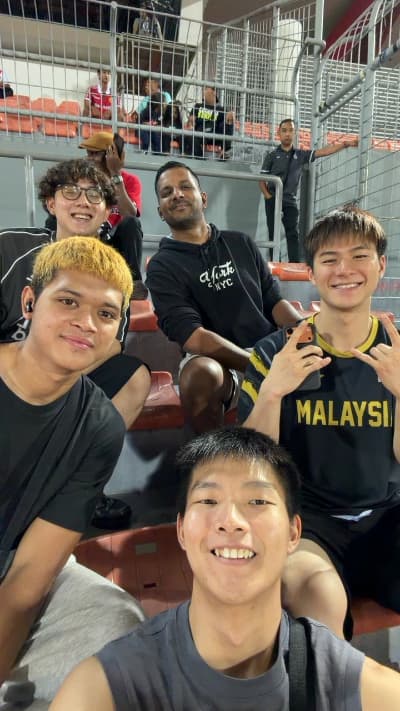
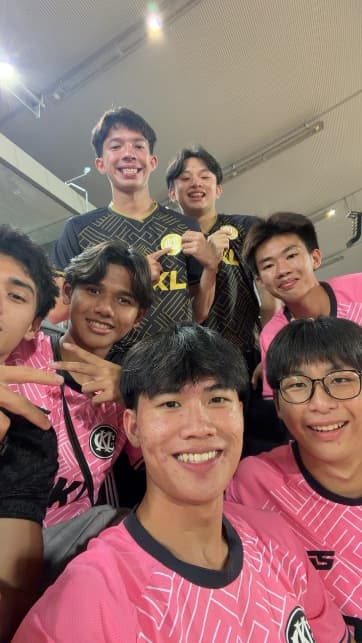
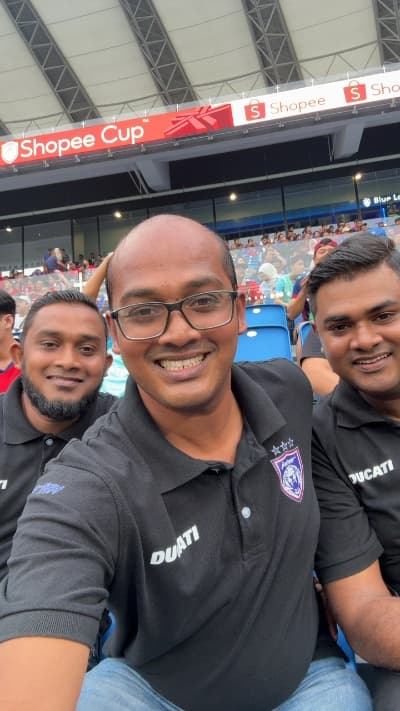
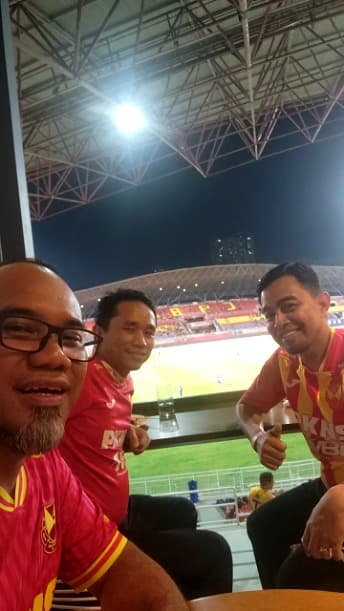
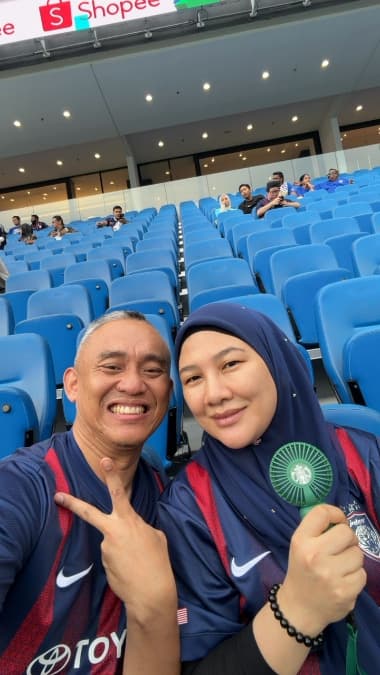
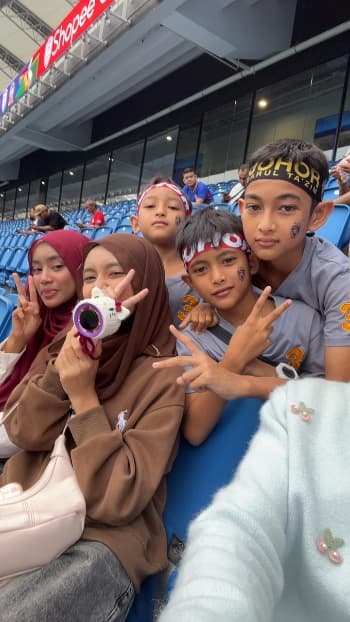
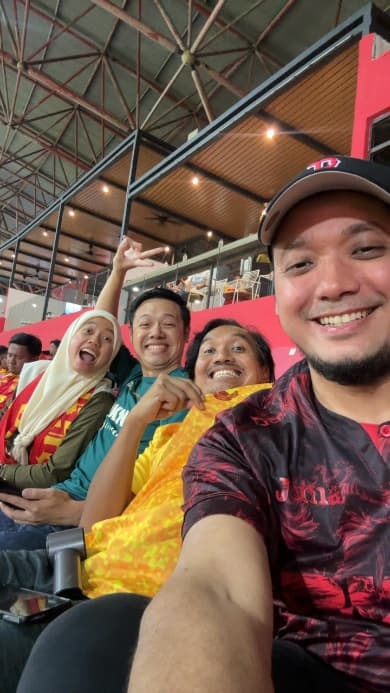
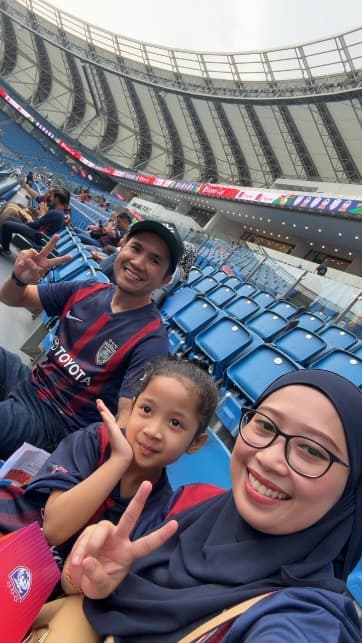
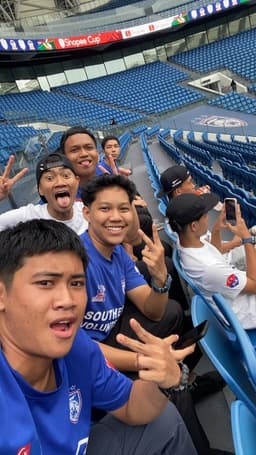
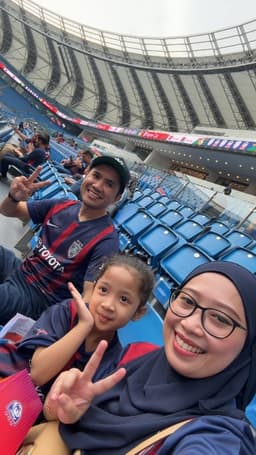
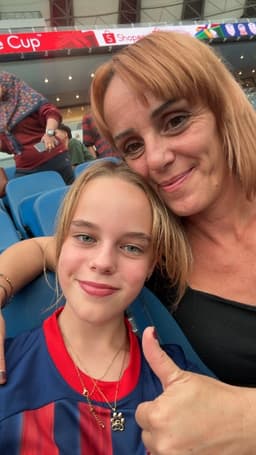
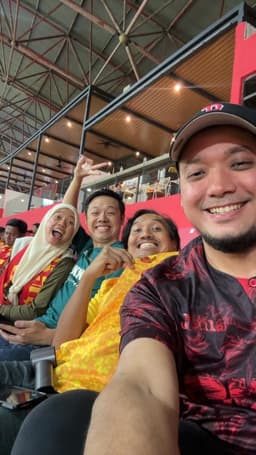
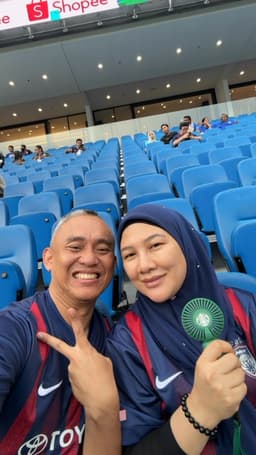
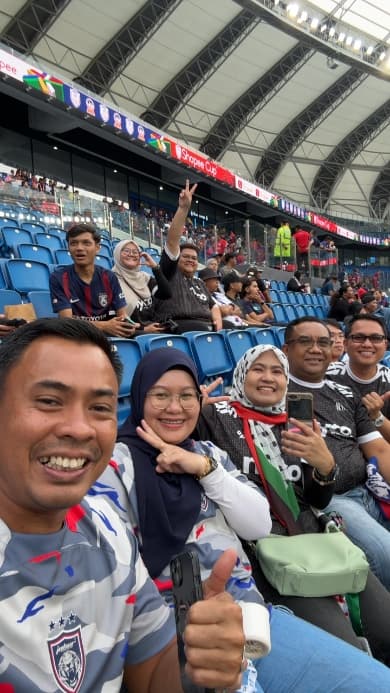
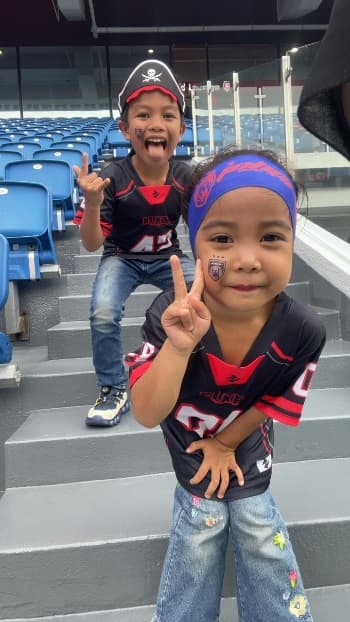
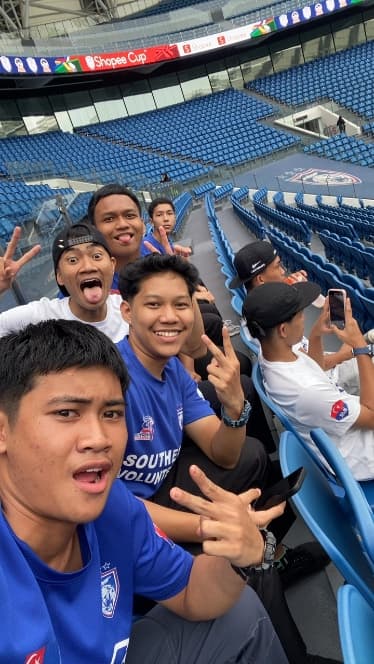
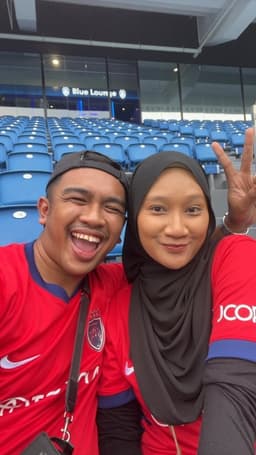
Fans at a Shopee Cup match, JDT home legShopee Cup · JDT home leg
CASE STUDY · 01FOOTBALL

Shopee Cup · JDT and Selangor

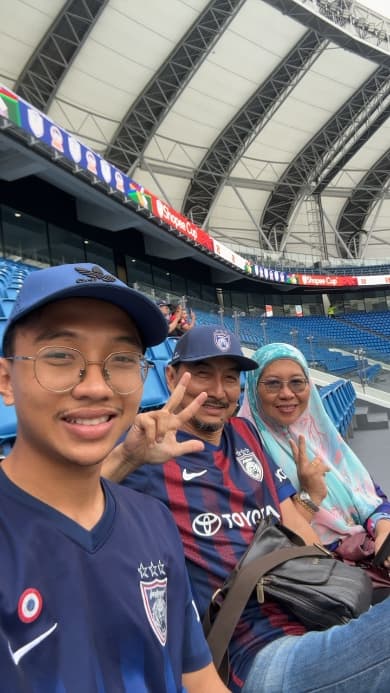
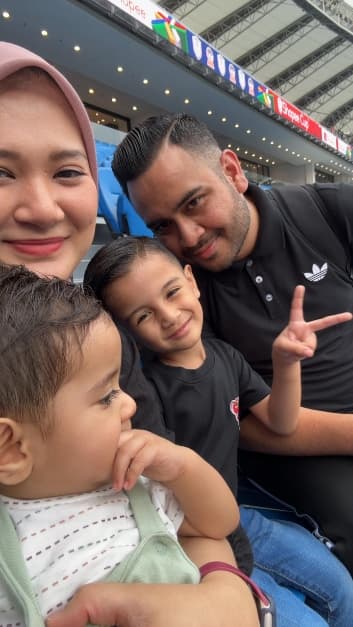
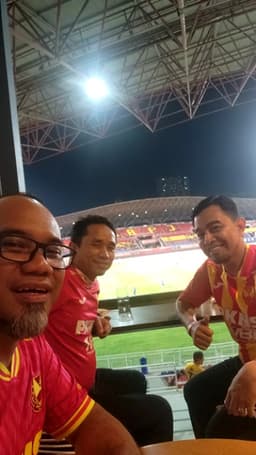
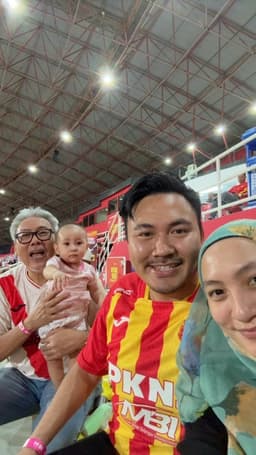
Go Fan Cam ran at two Shopee Cup home matches in the ASEAN Club Championship: JDT vs Bangkok, and Selangor's home fixture. Pre-match and half-time windows, full club and sponsor branding, one admin per venue, no crew changes.

1,000+Unique photos
2Matchdays · 2 clubs
90%+Approval rate
"Under fifteen minutes from sign-up to on-screen. One admin ran the whole stand."Matchday ops lead, Shopee Cup
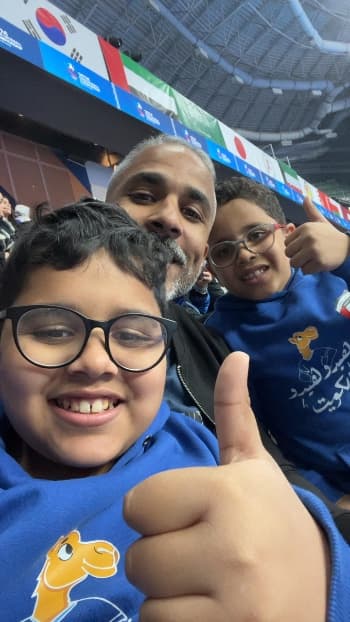
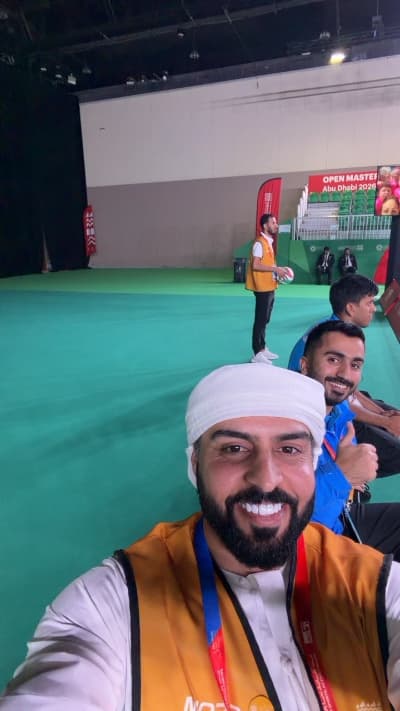
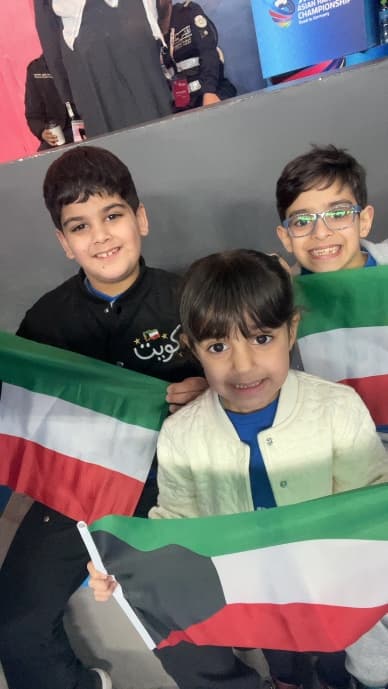
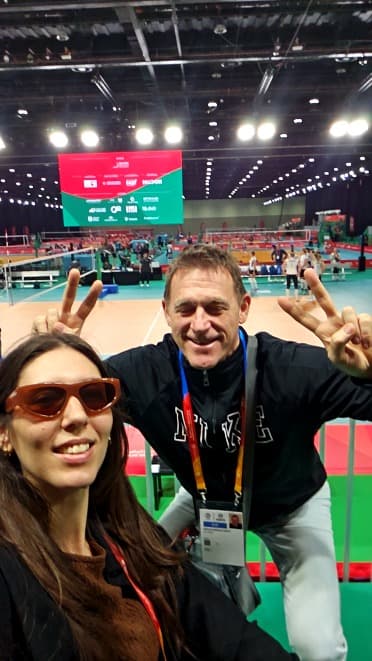
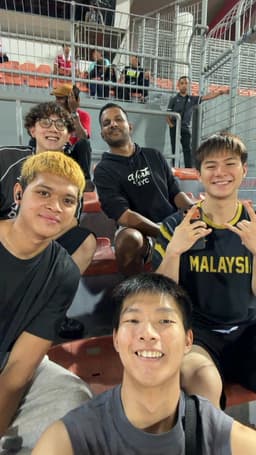
Fans at the Open Masters Games in Abu DhabiOpen Masters Games · Abu Dhabi
CASE STUDY · 02MULTI-SPORT

Open Masters Games Abu Dhabi

One branded Go Fan Cam system deployed to 11 venues at an international multi-sport event. Each venue had its own QR code and admin, with consistent event branding across every photo. Showcallers and volunteers ran the admin with no production background.

1,040Fan photos
11Venues
0Prod specialists
"Training time per new admin was under ten minutes. Two buttons, tick or X, and the big screen does the rest."Event operations, Open Masters Games
How much does Go Fan Cam cost?

Simple pricing.
$30 per cam.

Go Fan Cam costs $30 per month per cam. One price. No tiers. No contracts. Start in under 15 minutes.

Go Fan Cam · standard
$30/ cam / month
billed monthly · cancel anytime

Every account includes unlimited sessions, full white-label branding, sponsor tracking, admin dashboard, vMix integration, and a stats PDF after every match. No setup fees. No feature gates.

Get Started

Cancel anytime · Stripe checkout

  • Unlimited fan cam sessions
  • Full white-label branding (fonts, logos, colours, frames)
  • Sponsor logos with clickable tracking
  • Admin dashboard with photo moderation
  • vMix, OBS, Tricaster via browser source URL
  • Stats PDF after every session
  • Permanent QR code tied to your account
  • GDPR compliant, auto-delete after 90 days
  • Email support
How does it work?

Sign up, complete setup, and your fan cam is live in under 15 minutes. Add a card to activate your subscription.

DAY 01

Sign up, finish the setup wizard, your fan cam is live.

DAY 02–03

Run sessions, test the workflow, generate a stats PDF.

DAY 04

Add a card to keep running, or let it pause. Data preserved either way.

Common questions

Common questions
about Go Fan Cam.

What matchday ops, commercial, and production teams ask before signing up. If yours is not here, email hello@gofancam.com.

No. Go Fan Cam runs entirely in the fan's mobile browser. Fans scan the QR code, take a selfie, and appear on the big screen with no app download required. No account, no login, no App Store.

Your next home match is closer than you think

Set up in 15 minutes. Your fan cam is ready for matchday. $30 per month per cam.

Get Started

Cancel anytime · Stripe secure